Kubi vs a server
A plain cloud server gives you more disk and full control, and at Hetzner it costs about the same as a screen. What it doesn't give you is the desktop your agent works on, the API that drives it, or a way for a person to watch and take over: you build and patch those yourself.
Where Kubi stands out
Three differences that decide most choices between Kubi and a server.
Working in minutes, not a weekend
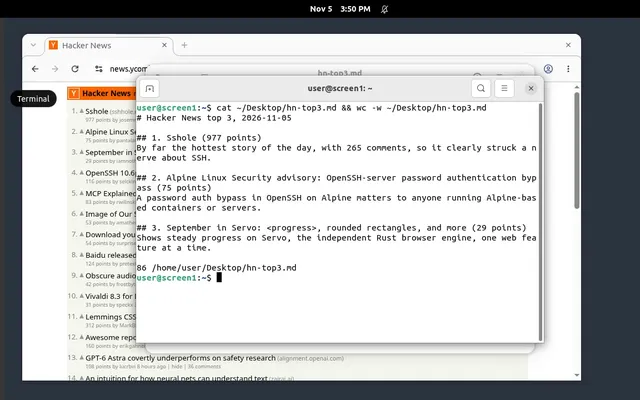
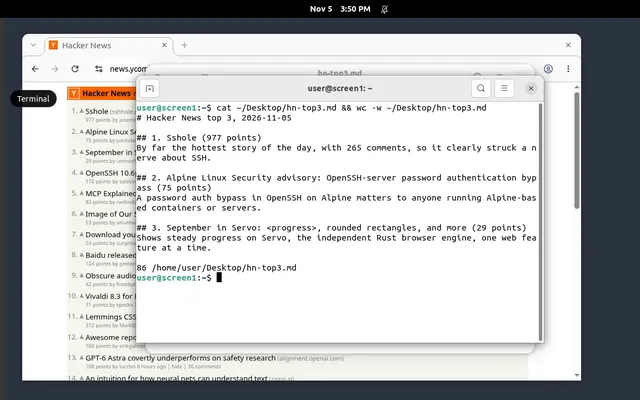
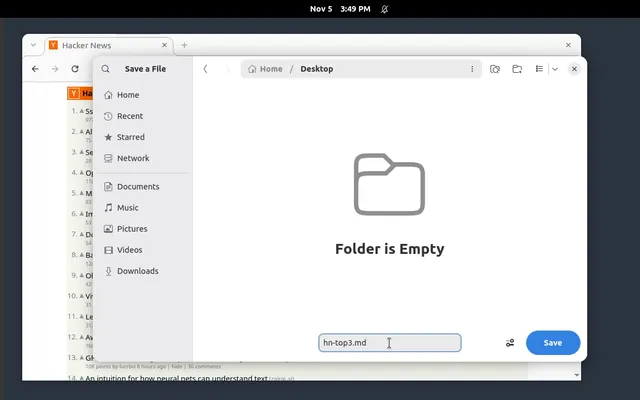
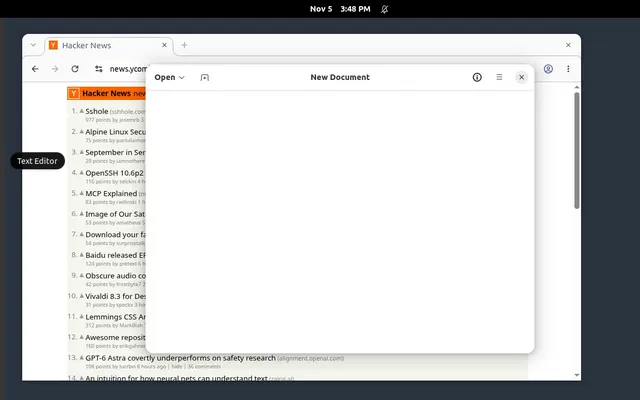
A screen comes with the desktop, browsers, a screenshot and click API and a hosted MCP server. On a server you install a desktop, a VNC server and an automation layer, then secure them.
Watch and take over
The live view and Take control run in the dashboard, with sign-in and two-factor login. On a server, a person watching means exposing VNC yourself.
Undo a bad step
Snapshot a screen before a risky step and reset to it, or save a template and start ten more from it. On a server, that is your own tooling.
The two products
Kubi
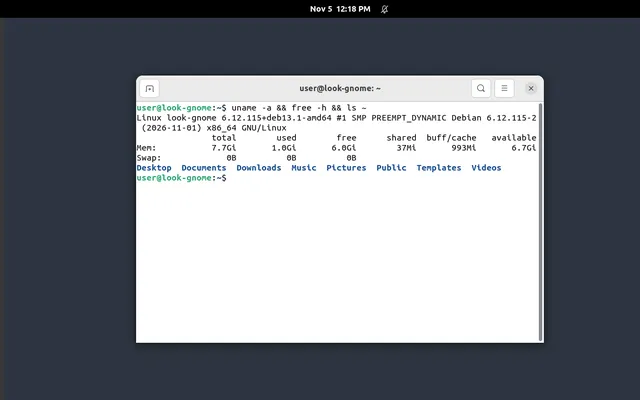
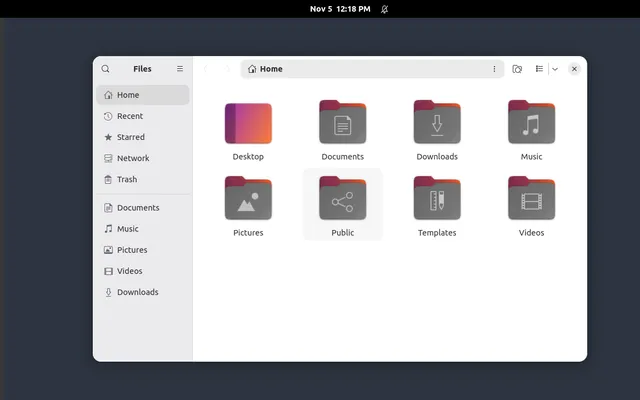
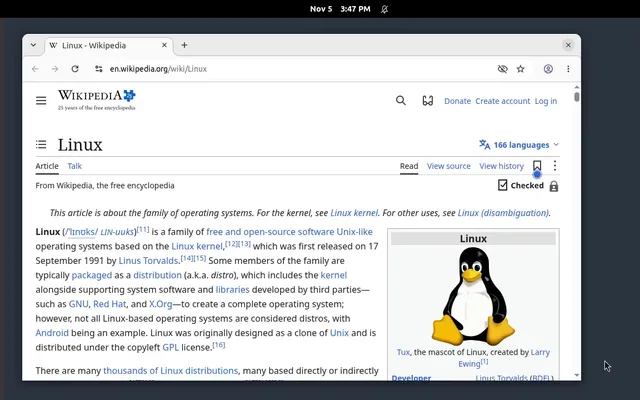
Kubi rents Linux desktops to AI agents. Each screen is its own virtual machine with 4 vCPU, 8 GB of memory and a 50 GB disk, Debian with a GNOME desktop and two browsers. An agent sees the screen, clicks, types, runs commands and moves files through one API, a TypeScript SDK or a hosted MCP server. A person watches live and takes control with one click. A persistent screen runs until you stop it, at one address with its disk kept, for $20 a month at the founding price. A disposable one runs by the minute for $0.035 an hour.
A server
A cloud server is a virtual machine you rent by the hour or month with an operating system and SSH. Hetzner's CPX32 has 4 AMD vCPU, 8 GB and 160 GB of NVMe disk; DigitalOcean's Basic Droplet of the same size has 160 GiB. Everything above the operating system is yours to install and run: the desktop, a VNC server, the browser, the tools an agent calls, and the updates for all of them.
Side by side
What each offers for a 4 vCPU, 8 GB machine, from the providers' own pages on 2026-11-12.
| Kubi | A server | |
|---|---|---|
| Machine | 4 vCPU, 8 GB, 50 GB disk, its own VM | 4 vCPU, 8 GB, 160 GB disk |
| A month, 4 / 8 | $20 founding, $25 list, running or stopped | EUR 30.49 excl. VAT (Hetzner); $48 (DigitalOcean) |
| Powered off | Persistent: same price; disposable: $0.003 an hour | Still billed until deleted |
| Desktop | GNOME desktop, Chromium and Firefox | None; you install one |
| Computer-use API | Screenshot, act, exec and files over one API | None; you build it |
| MCP | Hosted MCP server with sign-in per screen | None; you run your own |
| Take control | Live view and Take control; agent calls wait | Your own VNC setup |
| History | Every call with its screenshot, 30 daysAt launch | Your own logs |
| Templates | 5 templates and 3 snapshots a screen included | Server snapshots, priced per GB |
| Root and SSH | Root inside the screen; commands over the API | Root and SSH |
| Public ports | None in; outbound only | Your own IP and ports |
At launch: built and tested on Kubi's lab, and promised once the production servers run.
What it costs
Four common jobs, each priced from the public price lists with the cheapest plan that runs it.
| Job | Kubi, a month | A server, a month |
|---|---|---|
| One agent that never stops4 vCPU, 8 GB, running all month | $20 | EUR 30.49 / $48Hetzner / DigitalOcean, plus your setup |
| One agent on workdays8 hours a day, 22 days, files kept | $20Persistent; disposable would be $7.82 | EUR 30.49 / $48Billed while it exists |
| Evals and short runs100 runs of 30 minutes a month | $1.75Disposable, by the minute | EUR 2.45 / $3.57If your scripts create and delete it |
| Ten agents, always on10 machines of 4 / 8 all month | $200 | EUR 304.90 / $480 |
Kubi. Persistent screens are $20 a month each at the founding price ($25 list). Disposable screens are $0.035 an hour while running, by the minute: 50 hours is $1.75.
A server. Hetzner's CPX32 is EUR 30.49 a month excluding VAT in Helsinki (EUR 35.99 in Nuremberg), or EUR 0.0489 an hour; DigitalOcean's 4 vCPU, 8 GiB Basic Droplet is $48 a month or $0.07143 an hour. Fifty hours is EUR 2.45 or $3.57, if your own scripts build the machine each time. None of this counts the hours to set up and keep a desktop and an agent API running.
Limits to know
- Hetzner showed the CPX32 as unavailable at the moment of checking, and its cheaper cost-optimized line as not on sale.
- A server's price excludes the work: a desktop, a VNC server, browsers, an automation API, sign-in for whoever watches, updates and backups.
- A Kubi screen takes no inbound connections and has 50 GB of disk; a server has its own IP, open ports and 160 GB.
Which one should you use?
Use A server when
you need public ports, more disk, a custom stack, or you already run servers and have the time to build the desktop layer.
- Full control
Any OS image, any service, your own IP and firewall.
- More disk
160 GB on both servers checked, against 50 GB on a screen.
- No vendor in between
Nothing to sign up for beyond the cloud you already use.
Use Kubi when
you want your agent working on a desktop today, with a person able to watch and step in.
- Nothing to build
Desktop, browsers, a computer-use API, an SDK and a hosted MCP server from the first minute.
- Made for people too
A live view with Take control and snapshots, behind sign-in with two-factor login.
- Priced like a server
$20 a month, near the price of the server alone.
Questions people ask
Is a server cheaper than Kubi?
What do I need to install to let an agent use a server's desktop?
Can I SSH into a Kubi screen?
When is a server the better choice?
Where do the numbers on this page come from?
Sources
Read on 2026-11-12. Prices change: if a number here is out of date, write to support@trykubi.com and we fix it.