An agent that keeps running when you close your laptop
An agent in your terminal stops when your terminal does, and most agent sandboxes end the run for you: an hour here, a day there, five minutes by default. If the job is a long one, put the agent on a machine of its own that has no timeout, and let it keep going whether you are watching or not.
Two shapes, and which to pick
- Drive the screen from outside: your agent runs where it runs, and reaches the desktop through the API, the SDK or the hosted MCP server. Simplest, and it stops when your process does.
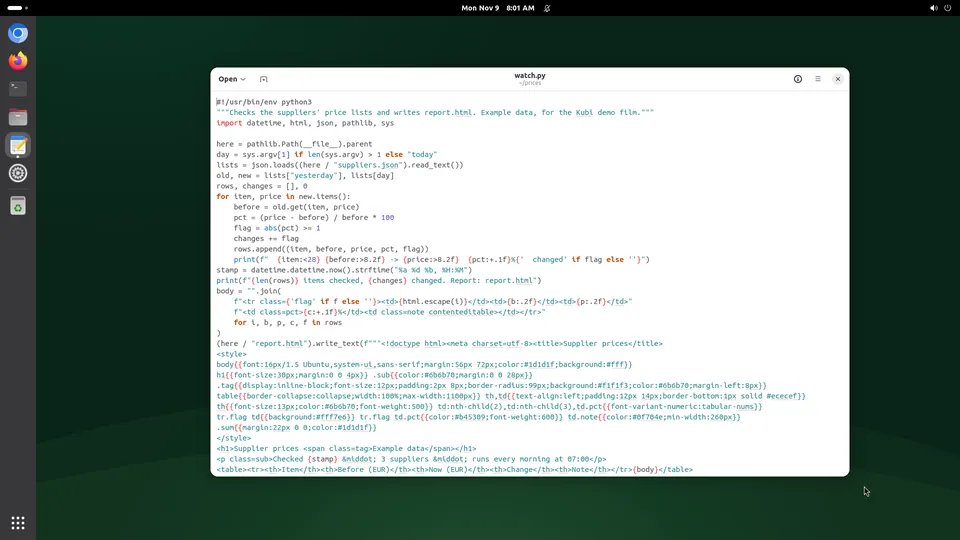
- Run the agent on the screen: install it there, start it as a service, and it keeps going with your laptop shut, restarts after a crash and comes back after a reboot. This is the shape for a job measured in days.
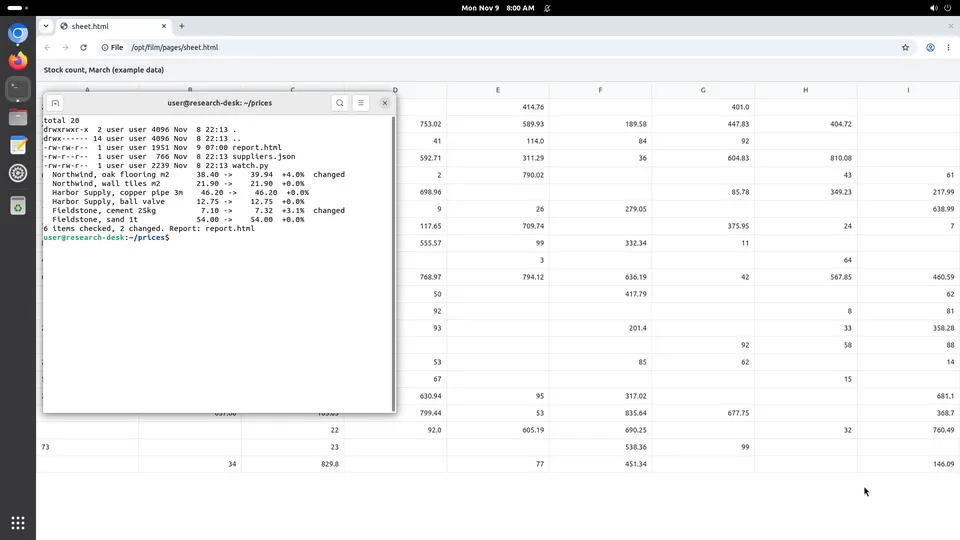
Nothing says you must choose: a long-lived agent on the screen can be watched, interrupted and helped by a person from the dashboard, and your own code can drive the same screen through the API at the same time.
Put the agent on the screen
Three steps, from the docs, which keep the detail current.
First, the key. Store the model key your agent needs as a secret for that screen. Secrets are in every command's environment and on the disk at /home/user/.config/kubi/secrets.env, so anything running on the screen can read them: use a key you can revoke.
Second, install it. Run the agent's own install command on the screen, through exec or in a terminal in the live view:
curl -X POST https://api.trykubi.com/v1/screens/scr_.../exec \
  -H "Authorization: Bearer $KUBI_API_KEY" \
  -H "Idempotency-Key: $(uuidgen)" \
  -H "Content-Type: application/json" \
  -d '{"command": "npm install -g your-agent", "timeout_s": 600}'
Third, run it as a service, so it survives a crash and a restart. sudo needs no password on a screen, and the desktop is on DISPLAY=:0, which a GUI-driving agent needs:
[Unit]
Description=My agent
After=network-online.target

[Service]
User=user
WorkingDirectory=/home/user
EnvironmentFile=/home/user/.config/kubi/secrets.env
Environment=DISPLAY=:0
ExecStart=/usr/local/bin/your-agent
Restart=always
RestartSec=5
What it costs to leave on
A persistent screen is $20 a month at the founding price, and the price is the same whether it runs or is stopped, so an agent that works around the clock costs what an idle one does. On the providers we hold sourced prices for, the same 4 vCPU and 8 GB machine left running for a month ranges from $26.28 to $391.78, mostly because hourly billing and plan minimums stack up over 730 hours.
Our own disposable screens are the wrong tool for this: at $0.035 an hour, a month left running is $25.55, which is more than the flat $20. Above about 572 hours a month, the persistent price wins.
Things that bite
- A person taking control does not pause a program already running on the screen. Kubi refuses API calls, it does not freeze processes: stop your agent first if it should wait.
- Two agents on one screen share one mouse and will fight. Give each its own screen.
- There is no memory pause: stopping keeps the disk and boots again on start, so make your agent able to resume rather than assuming it was never interrupted.
- A screen has no GPU and takes no inbound connections. A model running locally or a public webhook endpoint needs somewhere else.
- Watch the 50 GB disk if your agent downloads for a living.
Questions people ask
Can I run an agent 24/7 on a Kubi screen?
Is this cheaper than a VPS?
What happens when the host is patched?
Can I still watch it?
Read next
The docs hold the reference; these pages hold what we measured.