Claude Code on a Kubi screen
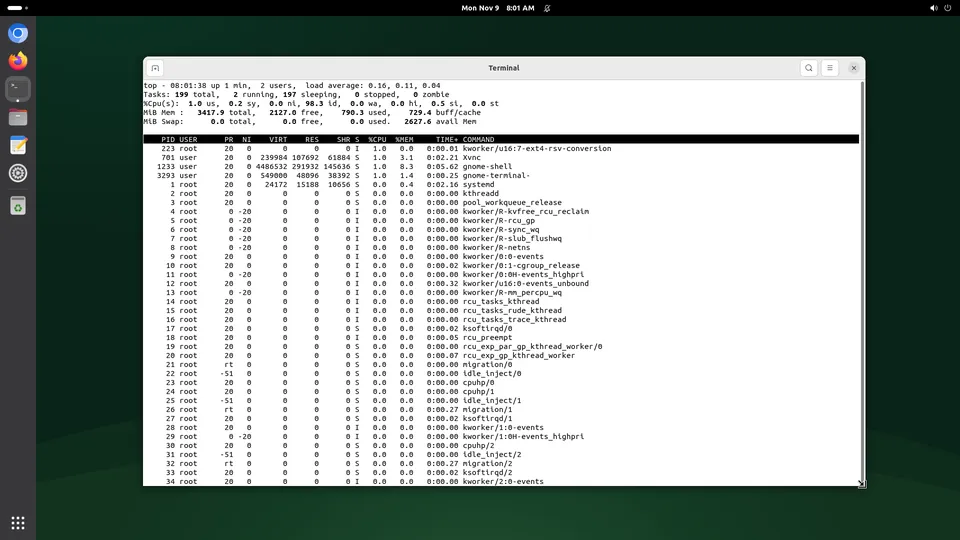
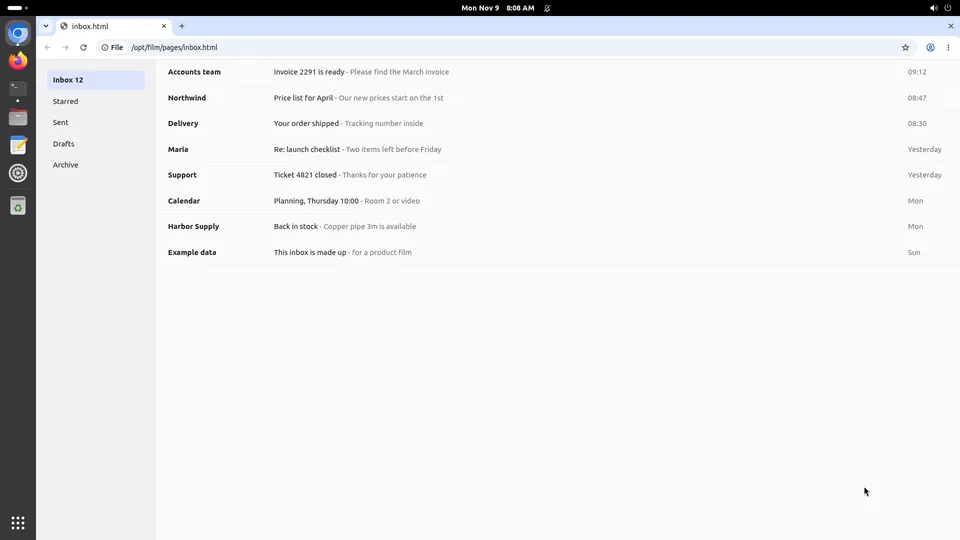
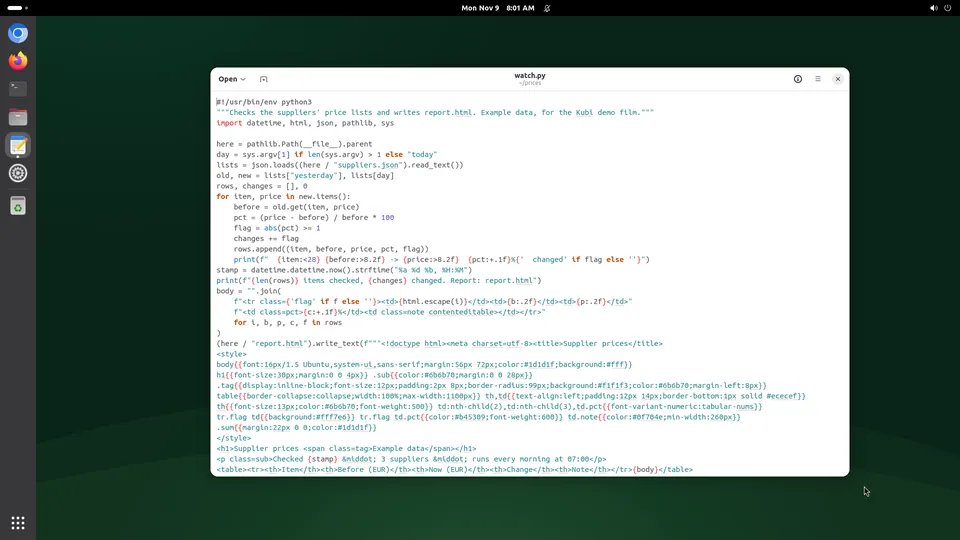
Claude Code already has a shell. What it does not have is a screen: a browser it can look at, a desktop app it can click, and a machine that keeps running once you close your laptop. One MCP command gives it all three on a Kubi screen, and you can watch it work and take the mouse back whenever you want.
What Claude Code gains
Claude Code is a coding agent in your terminal. These three are what change when it has a desktop of its own.
It can check its own work in a real browser
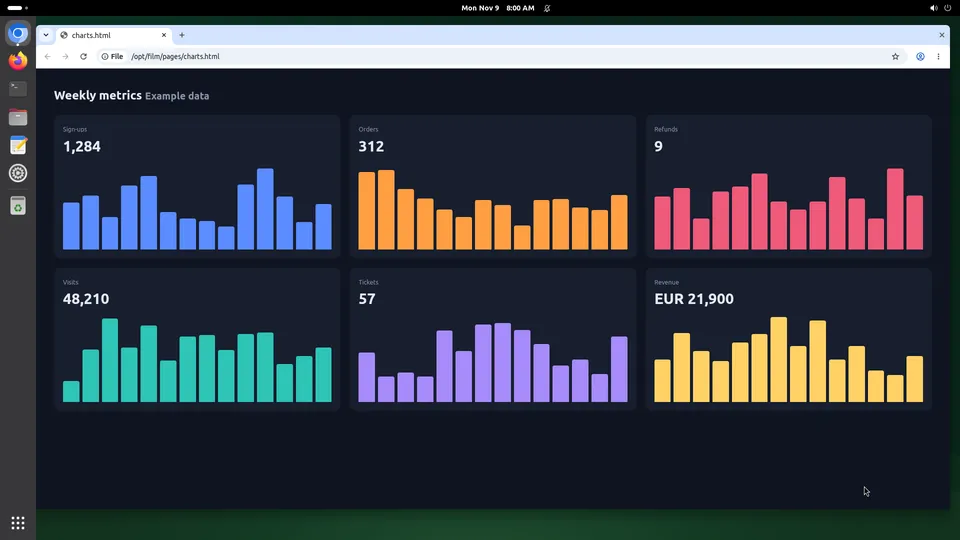
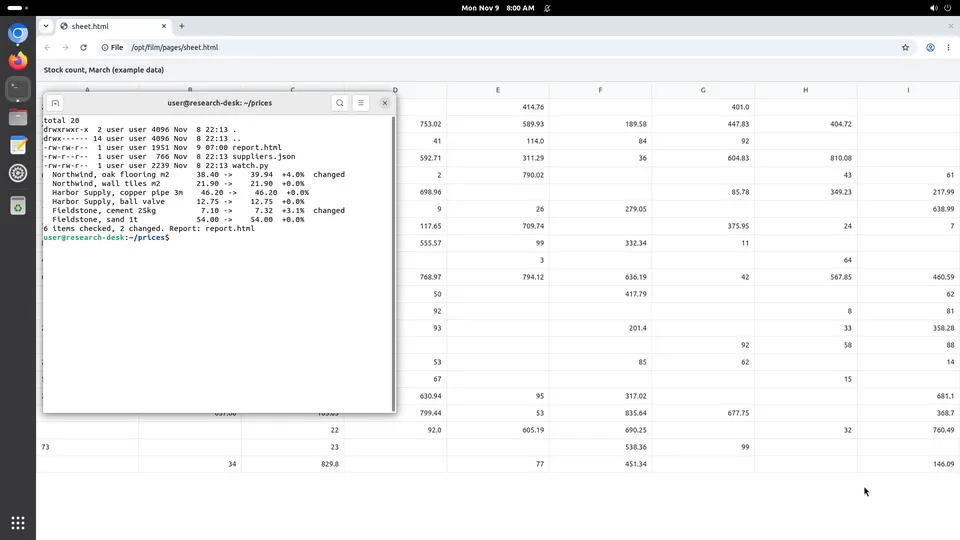
Claude Code writes the page and then looks at it: a screenshot of Chromium on the screen, not a guess from the HTML. When something is wrong it clicks through the flow the way a person would and fixes what it saw.
The work carries on with your laptop shut
A persistent screen has no idle timeout, so a long job keeps going on the machine rather than in your terminal. Come back, take the live view and read where it got to.
Logins stay where it left them
The browser profile lives on the screen's own disk, so a site you signed into once is still signed in next week. No repeating a two-factor dance at the start of every run.
Set it up
About two minutes, and nothing to install: our MCP server is hosted.
Step 1
Add the server
One command, from any folder. It is stored for you, not for the project.
claude mcp add --transport http kubi https://mcp.trykubi.comStep 2
Sign in and pick the screen
The first call opens our sign-in page in your browser. Choose which screens the app may use and what it may do, then go back to the app. You can take it back at any time in the dashboard.
claude mcp login kubiStep 3
Check what it can see
Run /mcp inside Claude Code. The Kubi server lists its tools: screenshot and act for the screen, read_tree for the elements on it, exec for commands, read_file and write_file for the disk.
The server's address is https://mcp.trykubi.com. Every app's setup is also in the docs, which is where it is kept current.
The first thing to try
Ask it this
Open Chromium on my screen, go to the page you just deployed, and tell me what the form does when I submit it empty. Use a screenshot, not the source.
What to know
- Claude Code runs on your machine; only the screen is ours. Your model, your key, your prompt, your limits.
- The MCP server has no tool that creates, deletes, starts or stops a screen. Those stay with people, in the dashboard or the API.
- While you hold Take control, the agent's calls are refused until you press Release or five minutes pass with no input from you.
Questions people ask
Does this need a computer-use model?
Can Claude Code run on the screen itself instead?
What does it cost to leave one screen on for Claude Code?
Read next
The docs carry the detail; these pages carry the price and the choice.