What is a agent sandbox?
An agent sandbox is an isolated machine, usually a microVM, that your code creates for a job and throws away, built for running code safely. A cloud desktop for agents is the same isolation with a graphical desktop on top, kept rather than discarded, so an agent can see and click a screen and a person can watch it.
The words, as the market uses them
- Sandbox: created from a snapshot in under a second, lives for a job, often pauses with its memory, priced by the second or hour. Think of a place to run untrusted code.
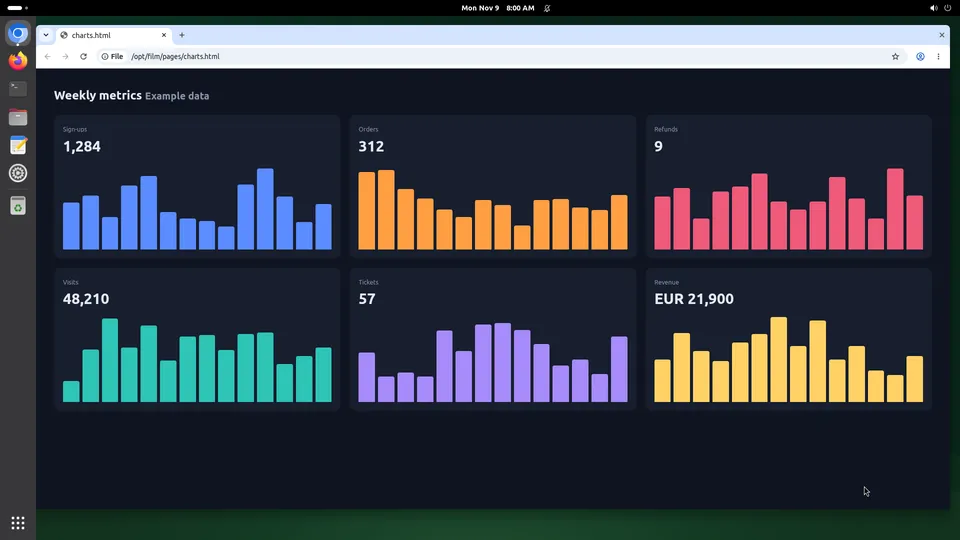
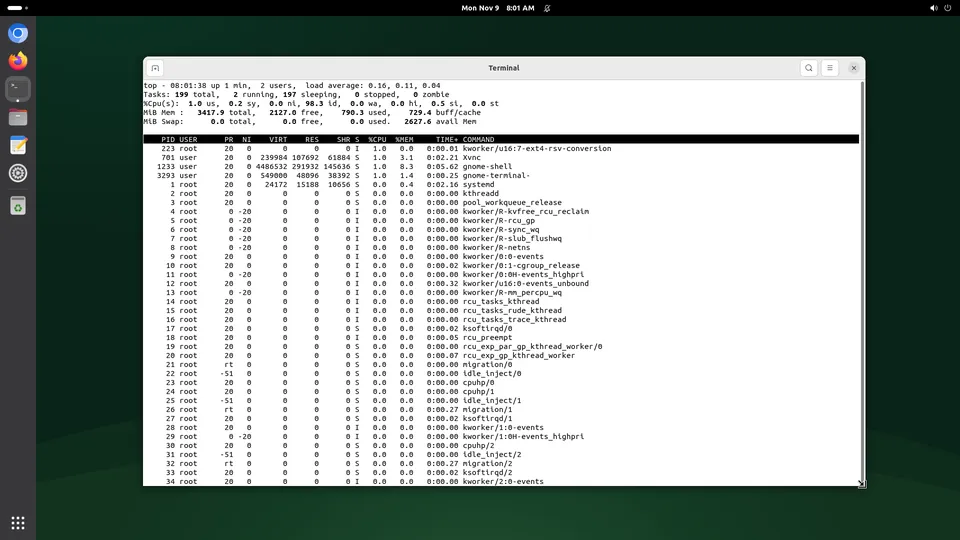
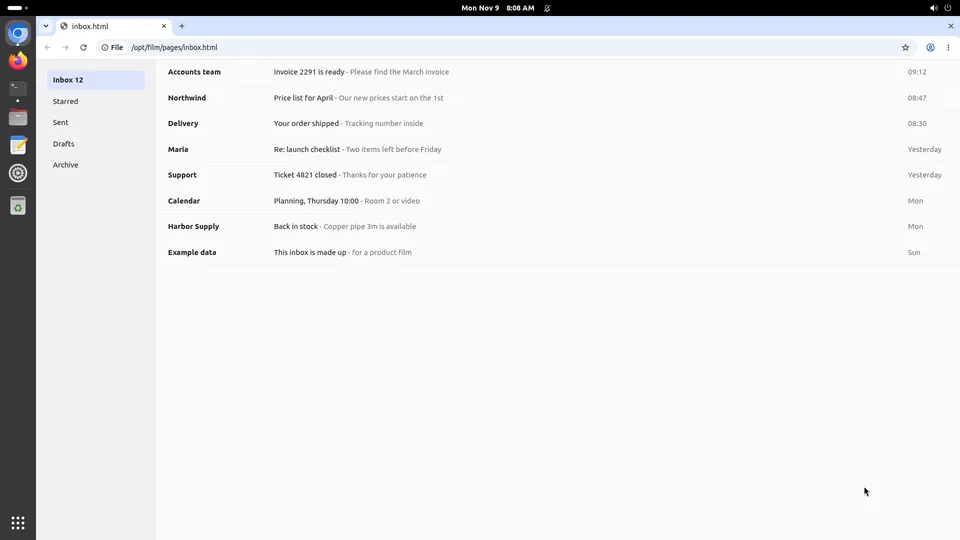
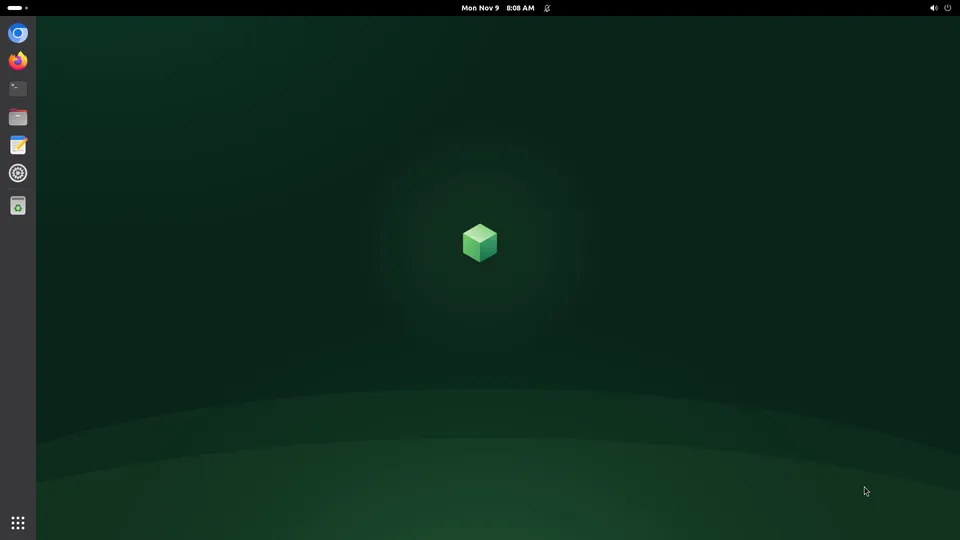
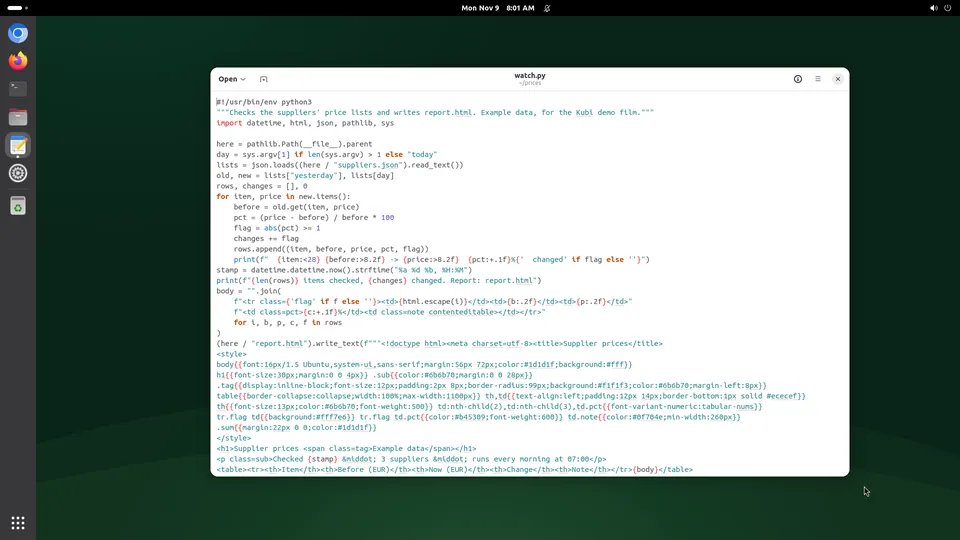
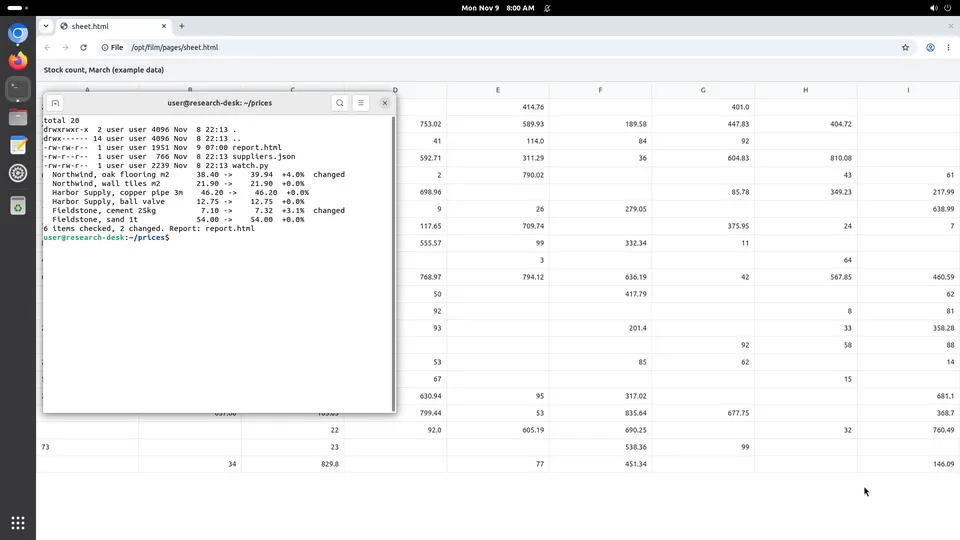
- Desktop: a window manager, browsers, a persistent profile and a screen an agent looks at. Think of a computer somebody could use.
- The overlap: several sandbox products ship a desktop image, and most desktop products can be thrown away like a sandbox. The question is which one the product is built around.
- Why it matters for the bill: sandbox pricing assumes the machine is mostly gone, desktop pricing assumes it is mostly there.
We sell the desktop and we do not call it a sandbox, although people searching for one often want what we sell. Both words describe the same isolation underneath: a virtual machine of its own.
The differences that show up in practice
| A sandbox | A Kubi screen | |
|---|---|---|
| Lifetime | A run; defaults measured in minutes | Until you stop it; no idle shutdown |
| Session cap | Common: 1 h to 24 h a run | None |
| What persists | Often memory, on pause | The disk: files, logins, settings |
| The screen | Sometimes, as an image | A Debian desktop with Chromium and Firefox |
| A person stepping in | A stream, if any | Live view and a lock, with 409 to the agent |
| A month left on, 4 vCPU and 8 GB | $242 to $392 on two we priced | $20 at the founding price |
| A half-hour run | About $0.17 at $0.33 an hour | $0.0175, by the minute |
Providers' own prices, read 2026-11-12, with every number sourced on the comparison pages.
Neither column is better. A sandbox that pauses with its memory and wakes in a second is the right tool for a thousand short jobs, and ours cannot do that. A machine that keeps its browser logins and runs for a month without a timeout is the right tool for an agent that lives somewhere, and a per-hour sandbox is an expensive way to get it.
How to tell which one you need
- Does the work need a screen? If the job is clicking a GUI or signing into a site, you want a desktop.
- Does run two need what run one left behind? Logins, caches, a cloned repository. If yes, you want something kept.
- How many hours a month will the machine exist? Above about 572 hours, a flat month beats our own hourly rate, and beats everyone else's by more.
- Will a person ever have to step in? Then you want a lock and a live view, not a stream you both type into.
- Is the code untrusted? Both isolate in a virtual machine. A sandbox is the better shape when you want it gone afterwards.
Questions people ask
Is Kubi a sandbox?
Which is cheaper?
Can a sandbox do computer use?
Where to go next
A definition should not try to be a decision. These pages are the decision.