Cursor on a Kubi screen
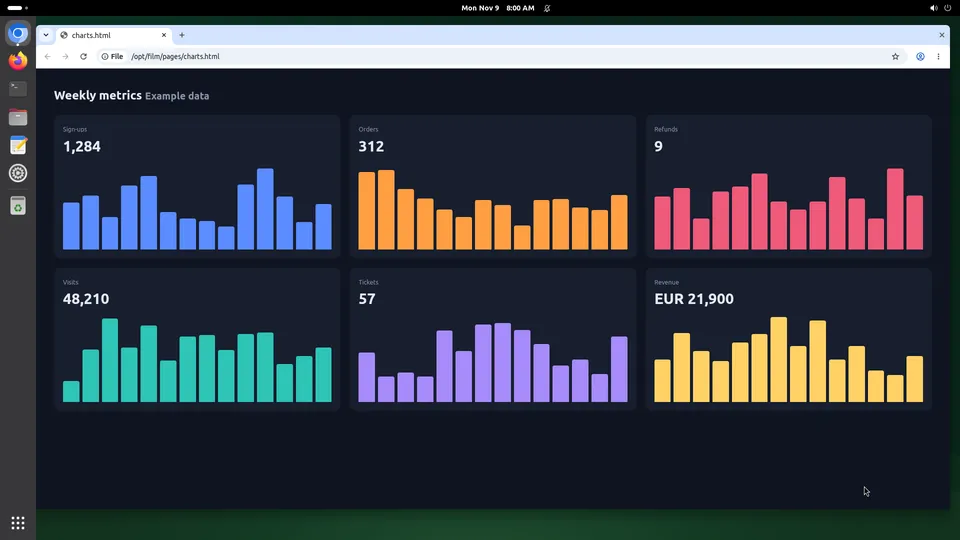
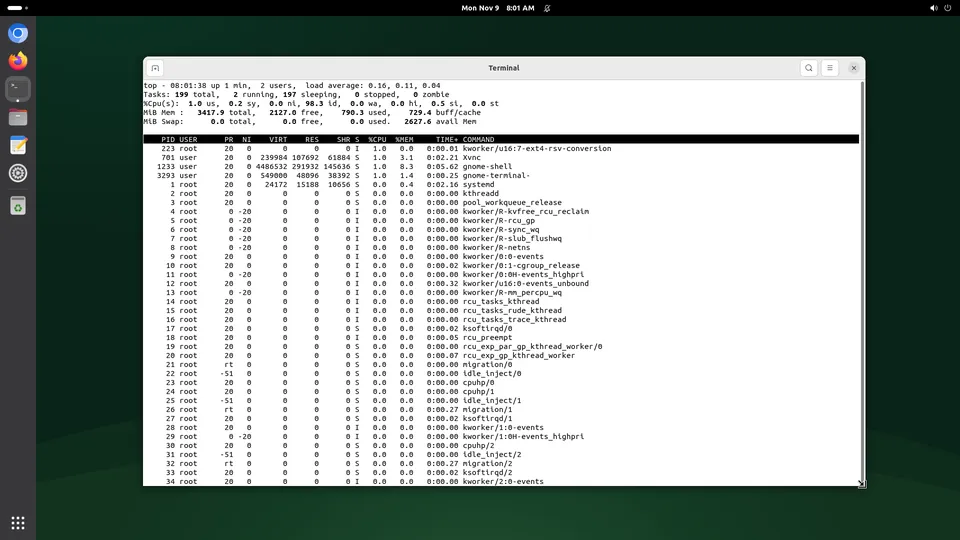
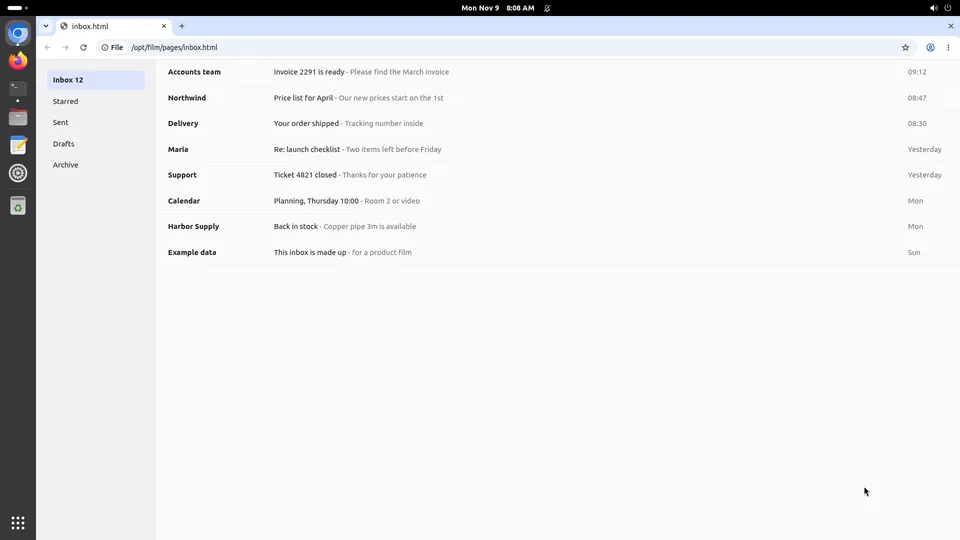
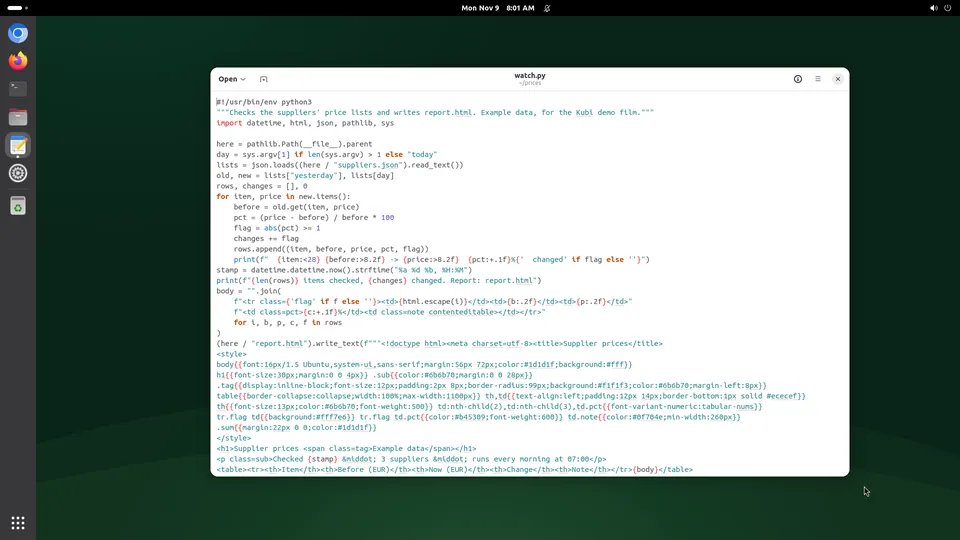
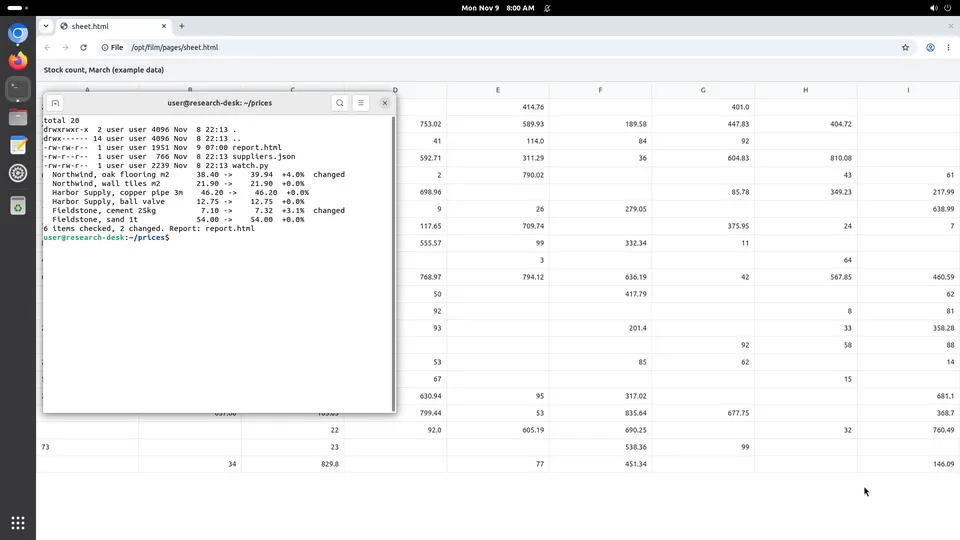
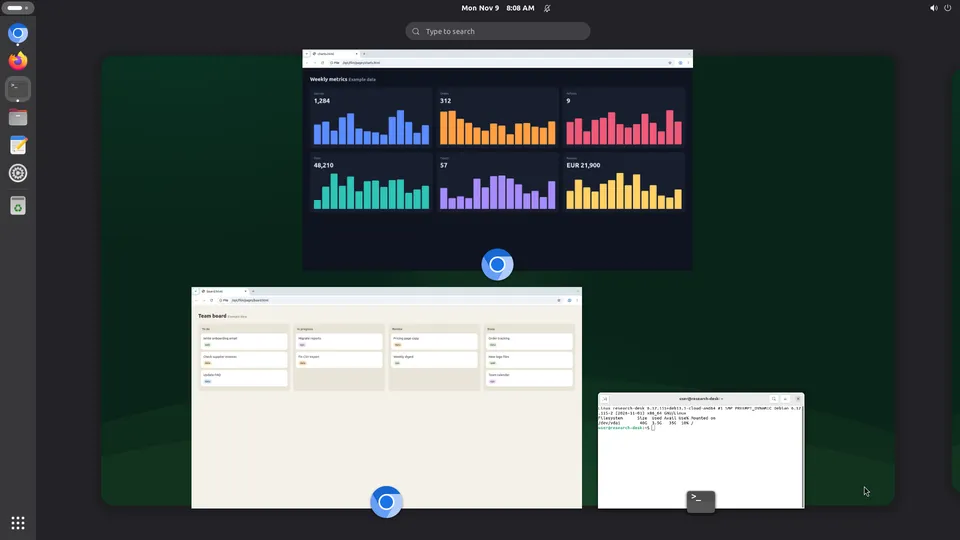
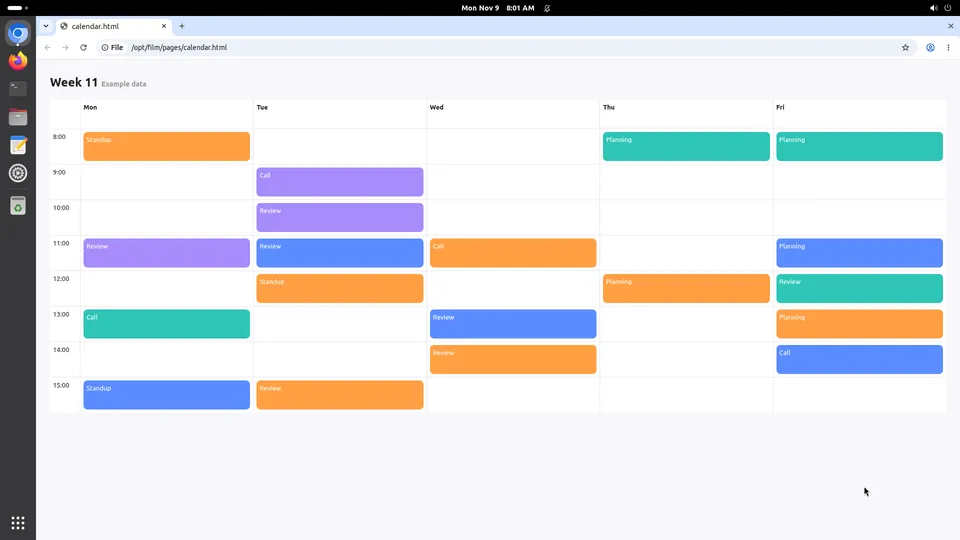
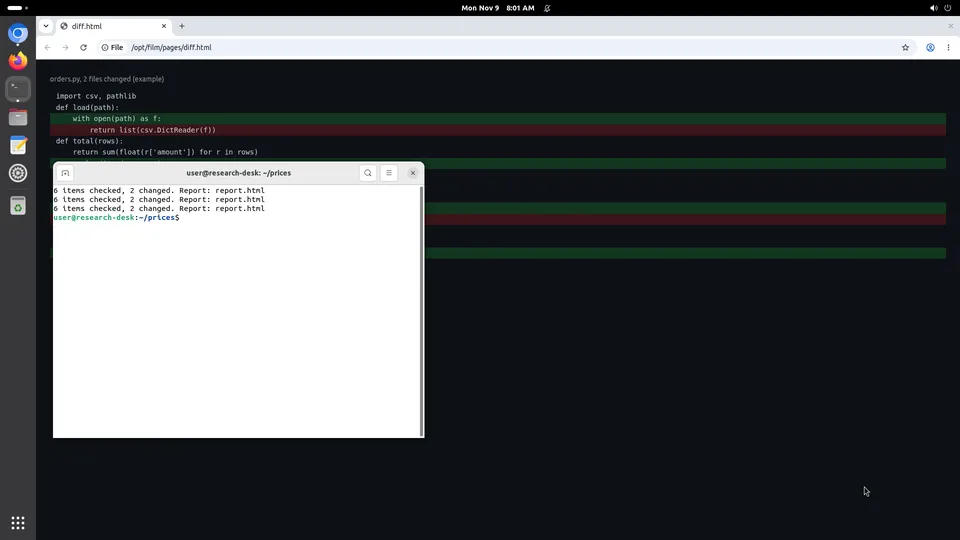
Cursor's agent can write the whole feature and still has no idea what it looks like. Add Kubi to mcp.json and it gets a Linux desktop with two browsers: it opens the app, clicks through the flow, reads the screen and fixes what it actually saw. You take the same screen in the dashboard when you want to try it yourself.
What Cursor gains
Cursor is the AI editor. These three are what change when it has a desktop of its own.
The loop closes inside the editor
Write, open, click, screenshot, fix. No copying screenshots into the chat by hand, and no describing a bug that the agent could have looked at.
A reviewer's machine, not yours
The app runs on the screen with the screen's own address, so a test sign-in, a cookie or a half-broken build never lands in your own browser profile.
The element tree when pixels are not enough
read_tree gives the agent the elements on screen with ids it can act on, which is steadier than aiming at coordinates and faster than guessing from a picture.
Set it up
About two minutes, and nothing to install: our MCP server is hosted.
Step 1
Add the server to mcp.json
{
  "mcpServers": {
    "kubi": { "url": "https://mcp.trykubi.com" }
  }
}
Step 2
Sign in and pick the screen
The first call opens our sign-in page in your browser. Choose which screens the app may use and what it may do, then go back to the app. You can take it back at any time in the dashboard.
Step 3
Point it at your app
A screen reaches the internet, and you can open a port on it for your own use, so the agent can load a build running on the screen itself.
The server's address is https://mcp.trykubi.com. Every app's setup is also in the docs, which is where it is kept current.
The first thing to try
Ask it this
Open http://localhost:3000 in Chromium on my Kubi screen, walk through sign-up with a throwaway address, and screenshot every step that looks wrong.
What to know
- Ports on a screen are for your own use, which is what the terms say: a screen is not a place to host a public service.
- Cursor runs where it always ran. The screen is a machine it reaches, not where the editor lives.
- One screen is one machine. Two agents on one screen will fight over the mouse, so give each its own.
Questions people ask
Why not Playwright?
Does VS Code work the same way?
Can two people share one screen?
Read next
The docs carry the detail; these pages carry the price and the choice.