What is a computer use agent?
A computer use agent is an AI model driving a whole computer through its screen: it takes a screenshot, decides where to click or what to type, sends those actions, and looks again. It is the approach used when there is no API for the job, which is most of the software people actually use.
The loop, in four steps
- Look. The agent asks for the screen and gets an image, usually with an id that identifies that exact moment.
- Decide. The model reads the image, or a list of the elements on screen, and picks the next actions.
- Act. Clicks, key presses and scrolls go back to the machine, ideally in a batch so a form is one round trip.
- Check. The screen comes back after it settles, and the loop runs again until the task is done or the agent gives up.
The detail that separates a toy from something you would trust is the id. If an action carries the id of the screenshot it was planned on, the machine can refuse it when anything has changed since, a person typing included. Without that, an agent clicks where the button used to be.
How well does it work?
Numbers rather than adjectives, from the one public dataset not produced by a driver's own authors.
| Condition | Best driver and model | Pass rate |
|---|---|---|
| Linux, the desktop is the agent's | agent-desktop 1.2.0 | 68.0% |
| Windows, the desktop is the agent's | agent-desktop 1.2.0 | 71.7% |
| macOS, the desktop is the agent's | Aside 1.26 | 96.0% |
| Linux, a person typing at the same time | cua-driver | 12.5% |
Cua Driver Bench v2, Scale AI's per-trial dataset recomputed on 2026-11-20. Ten tasks, five runs a cell.
So on a desktop of its own, a good setup finishes about two thirds to three quarters of short desktop tasks, and the model matters more than the driver: on Linux the Claude models scored 34 to 43 out of 50 and the GPT models 25 to 30 through the same driver. Share the desktop with a person and it collapses to about one in eight, which is the strongest argument there is for a lock rather than a shared mouse.
What a computer use agent needs
- A computer it is allowed to break. Not your laptop, and not a machine with your own logged-in accounts on it.
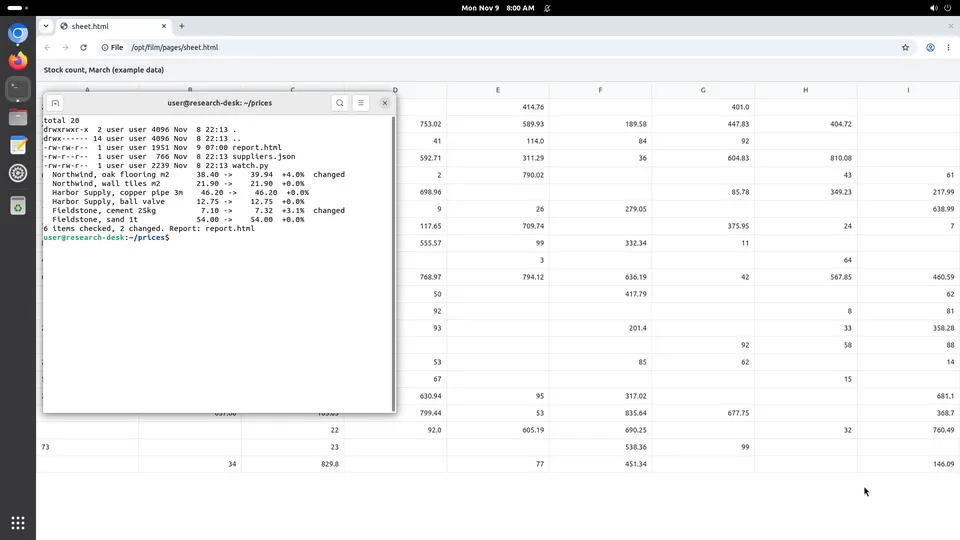
- A desktop, not just a shell: a window manager, a browser with a profile that persists, and the apps the job needs.
- A screenshot and input API, and ideally an element tree, so the agent can act on a named control instead of a coordinate.
- A way for a person to watch and take over, because some steps are a password, a CAPTCHA or a judgement call.
- A record of what it did, with the screen as it was at each step.
That list is what a Kubi screen is: a Debian desktop in its own virtual machine with 4 vCPU, 8 GB and 50 GB, driven over one API, a TypeScript SDK or a hosted MCP server, for $20 a month at the founding price, or $0.035 an hour billed by the minute. The agent and the model stay yours.
What it costs to run one
Two bills: the machine and the model. The machine is the small one. A desktop left on all month is $20 here, against $26.28 to $391.78 on the providers we hold sourced prices for, and a half-hour run on a disposable screen is $0.0175. The model is the larger: on that public benchmark, one trial of a ten-task run cost about $0.40 to $0.60 in tokens with a mid-sized model.
Questions people ask
Is a computer use agent the same as browser automation?
Which models can do computer use?
Do I need a special sandbox for it?
Where to go next
A definition should not try to be a decision. These pages are the decision.