Your own code on a Kubi screen
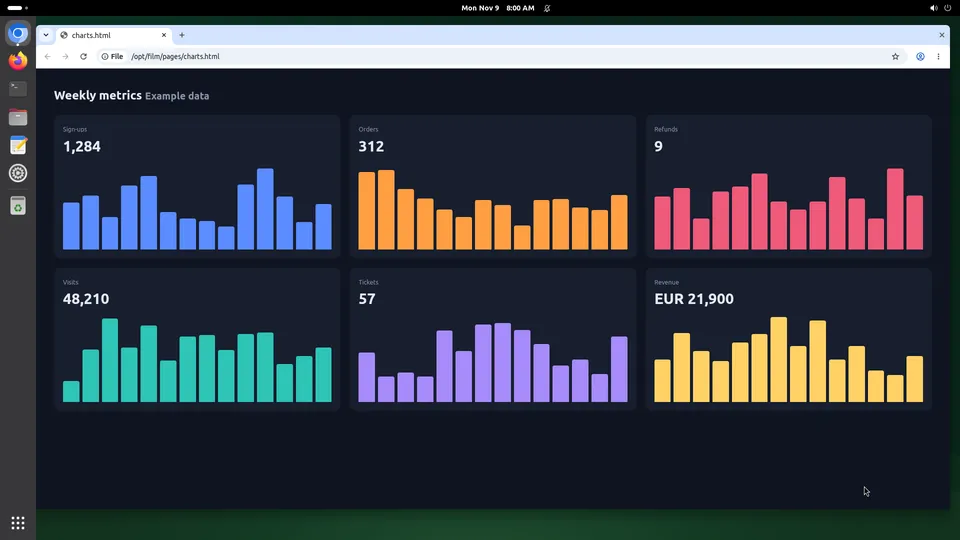
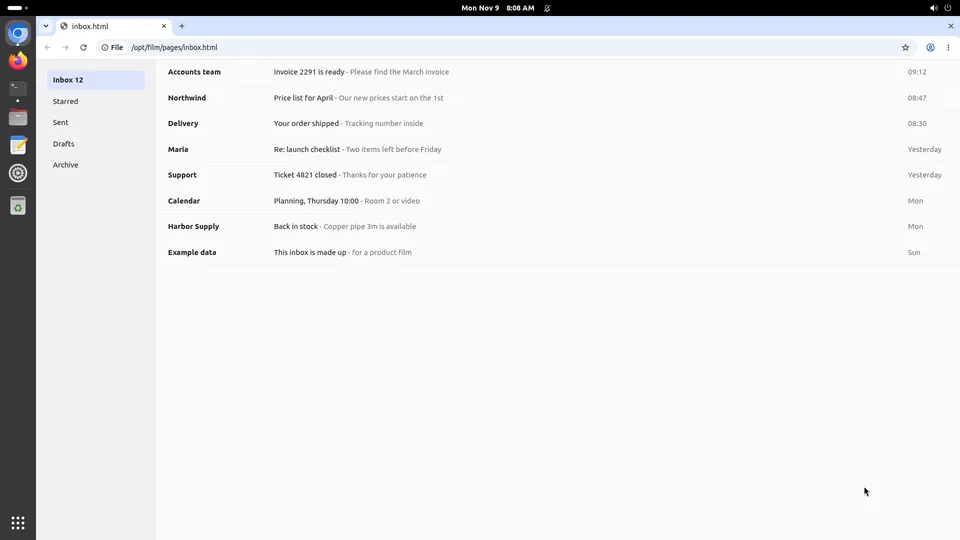
When the agent is yours, the screen is an API: ask for a screenshot, send actions against the id it came with, run a command, move a file. The SDK is TypeScript; everything else talks to the same HTTP endpoints with a key in the header. One screen or a hundred, the same two calls.
What your own code gains
Written against the API. These three are what change when it has a desktop of its own.
A screenshot you can act against
Every screenshot carries an id. Send it back with your actions and the call is refused if anything moved on the screen in between, so a stale plan cannot click the wrong thing.
Twenty actions in one call
A form is one call, not eight round trips. The reply is the screen after it settles, with the next id, which keeps a loop short and cheap.
Priced by the machine, not the call
A persistent screen is $20 a month at the founding price however many calls you make, and a disposable one is $0.035 an hour billed by the minute. No per-action pricing to model.
Set it up
From a key to the first click.
Step 1
Make a key
In the dashboard, open API keys and create one with read and control. It is shown once.
export KUBI_API_KEY=kubi_...Step 2
Install the SDK
npm install @trykubi/sdkStep 3
Look, then act
import { Kubi } from "@trykubi/sdk";

const client = new Kubi(); // reads KUBI_API_KEY
const screen = client.screen();

const shot = await screen.screenshot();
const result = await screen.click({
  x: 640,
  y: 360,
  screenshot_id: shot.screenshot_id,
  screenshot: "after",
});
Step 4
Any other language
Call the API with the same key. Every endpoint is in the reference.
curl https://api.trykubi.com/v1/screens/scr_.../screenshot \
  -H "Authorization: Bearer $KUBI_API_KEY"
The server's address is https://mcp.trykubi.com. Every app's setup is also in the docs, which is where it is kept current.
The first thing to try
Ask it this
A loop of five steps: screenshot, read the tree, click the element you want by id, type into it, screenshot again. Then open the live view and watch it run.
What to know
- Write calls take an idempotency key, so a retry after a timeout cannot click twice.
- Keys carry their own permissions and their own set of screens. Give a script the least of both.
- The API creates, starts, stops and deletes screens; the MCP server deliberately cannot.
Questions people ask
Is there a Python SDK?
Can I run my agent on the screen itself?
How many screens can one key drive?
Read next
The docs carry the detail; these pages carry the price and the choice.