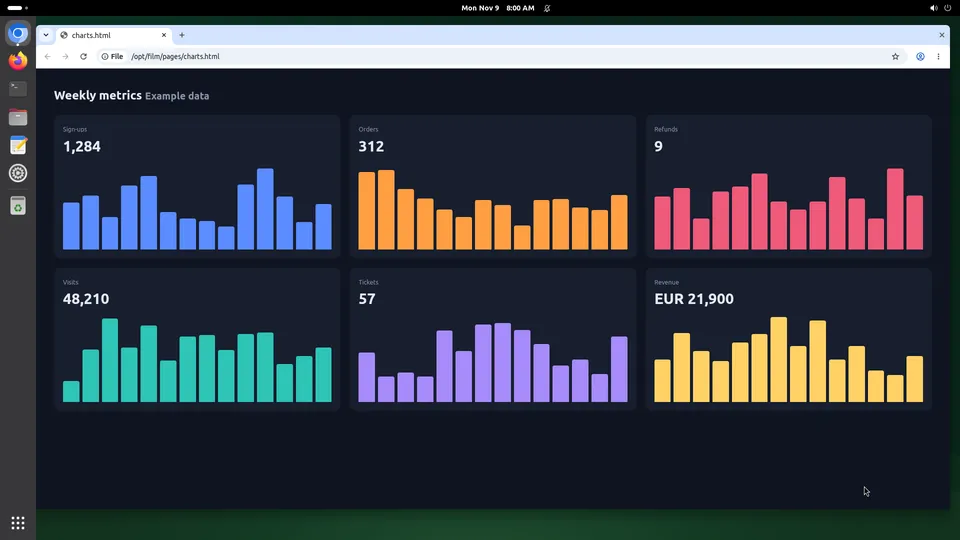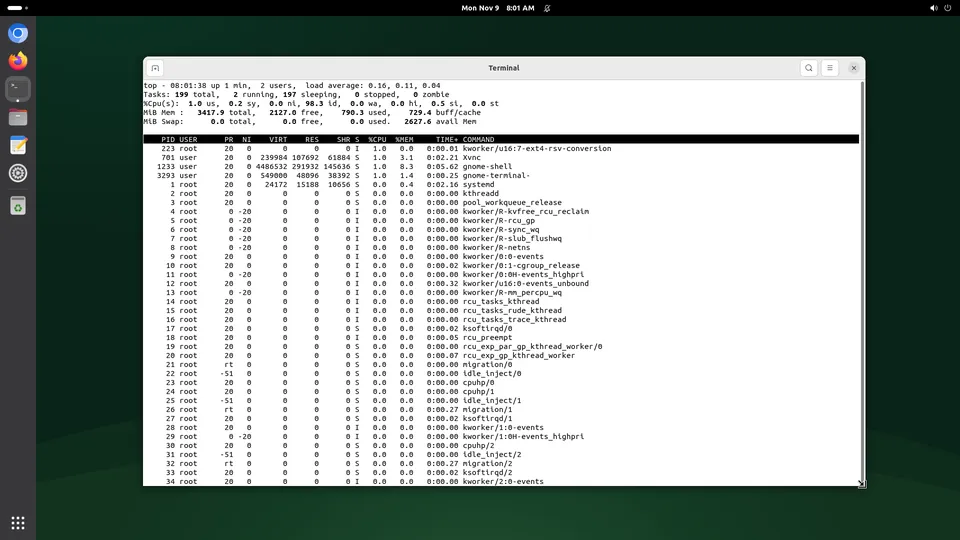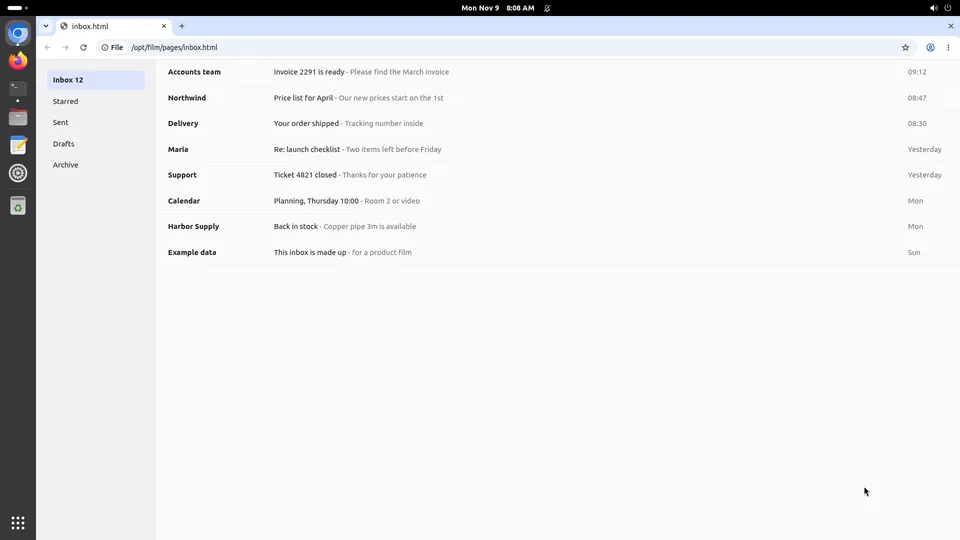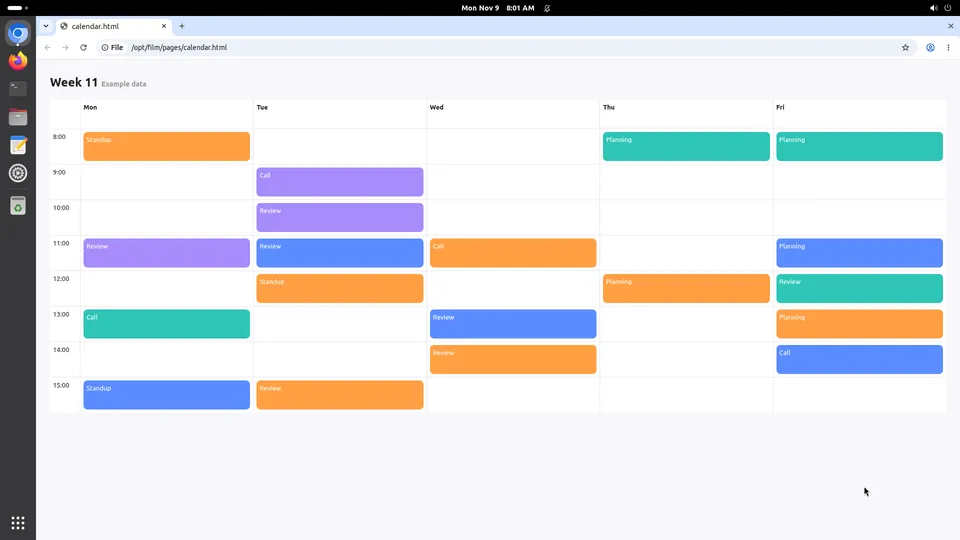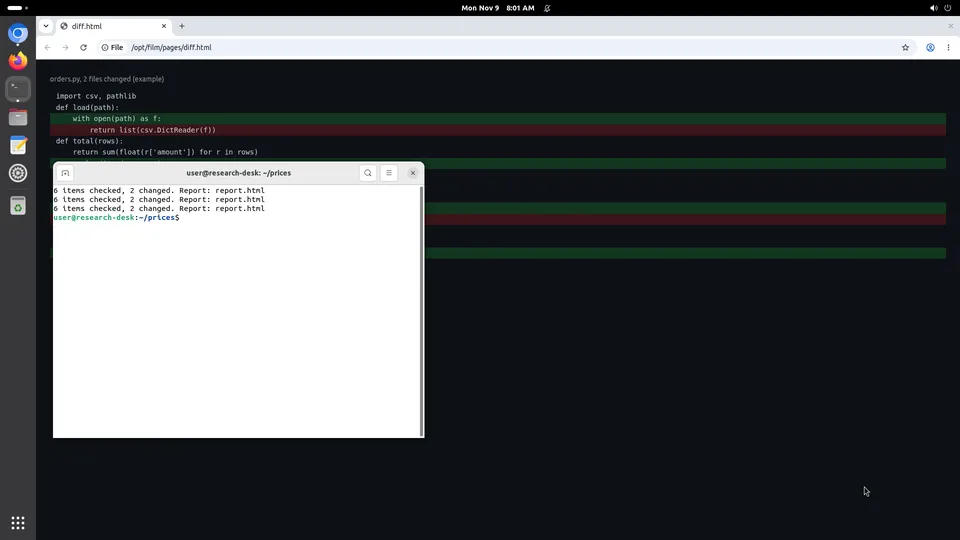
claude.ai and Claude Desktop on a Kubi screen
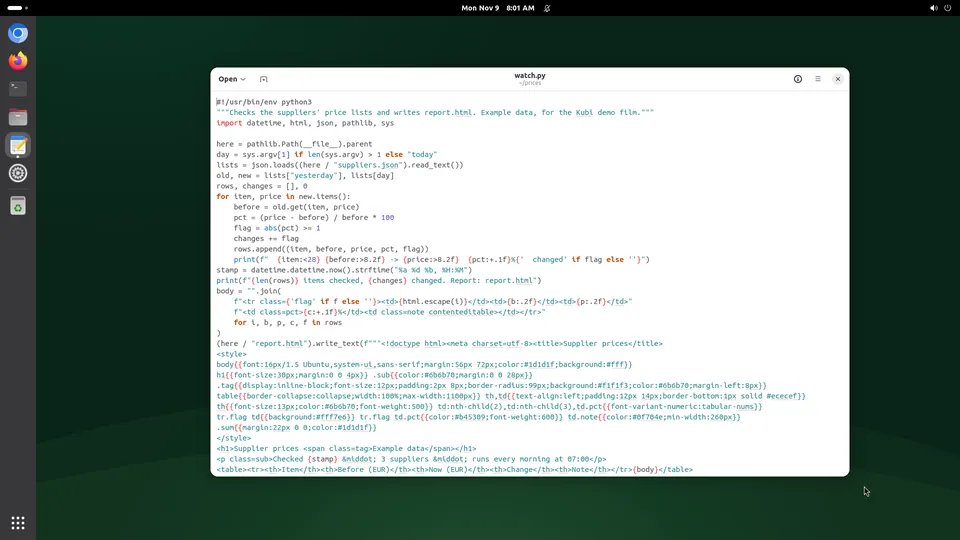
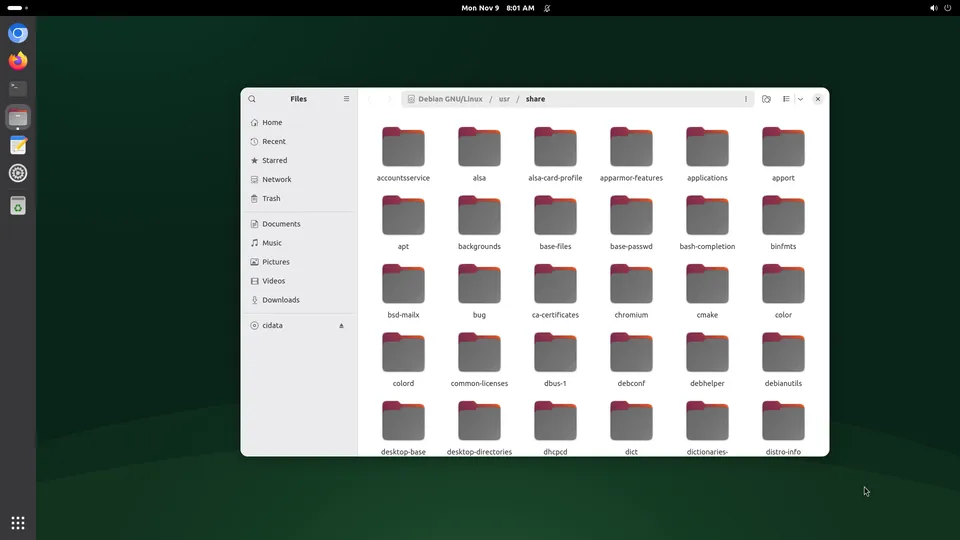
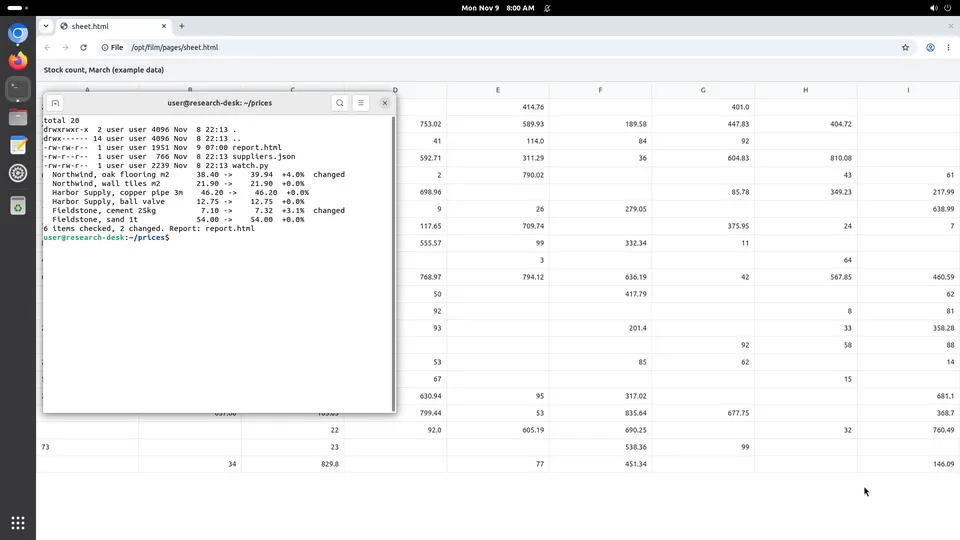
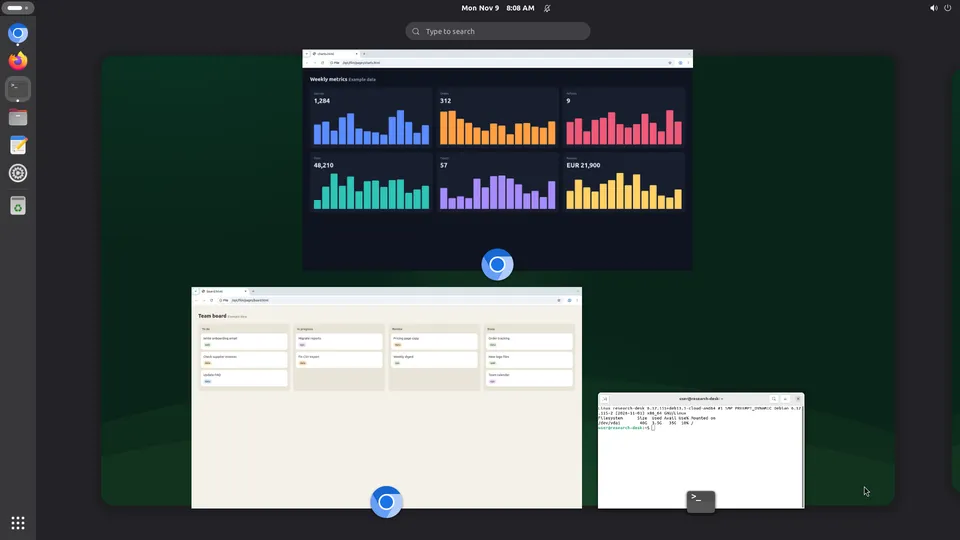
In the Claude app there is nothing outside the conversation: no shell, no browser, no files that stay. A Kubi screen is the computer it has been missing, added as a custom connector in about two minutes, with no code at all. You watch the desktop live while Claude works on it, and take the mouse the moment you want to.
What claude.ai and Claude Desktop gains
claude.ai and Claude Desktop is the Claude app, in a browser or on your desktop. These three are what change when it has a desktop of its own.
No code, and nothing to install
Our MCP server is hosted, so there is nothing running on your machine and nothing to keep alive. One URL in Connectors, one sign-in, and the tools appear in the conversation.
A computer that is still there tomorrow
The chat forgets; the disk does not. Files Claude saved, a repository it cloned, a site it signed into: all of it is on the screen the next time you open the app.
You can see what it did, not just read about it
Open the screen in the dashboard and the desktop is there, live. It is the difference between a claim in a chat and a window you are looking at.
Set it up
About two minutes, and nothing to install: our MCP server is hosted.
Step 1
Open the connector settings
In claude.ai or Claude Desktop, go to Customize, then Connectors, then Add, then Add custom connector.
Step 2
Paste the server URL
Name it Kubi, paste the address, click Continue, then Add.
https://mcp.trykubi.comStep 3
Sign in and pick the screen
The first call opens our sign-in page in your browser. Choose which screens the app may use and what it may do, then go back to the app. You can take it back at any time in the dashboard.
The server's address is https://mcp.trykubi.com. Every app's setup is also in the docs, which is where it is kept current.
The first thing to try
Ask it this
Open Firefox on my Kubi screen, search for the three cheapest flights to Belgrade next Friday, and leave the three tabs open for me to look at.
What to know
- A screen is a Linux desktop. There is no Windows, no macOS and no GPU on it.
- Anything on the screen can read the secrets you store for that screen, so store keys you are able to revoke.
- Claude can see and drive the screen. It cannot create, delete, start or stop screens, or touch billing: those are yours alone.
Questions people ask
Is this Claude's own computer use?
Do I need a developer to set it up?
Can I stop it touching something?
Read next
The docs carry the detail; these pages carry the price and the choice.