Codex on a Kubi screen
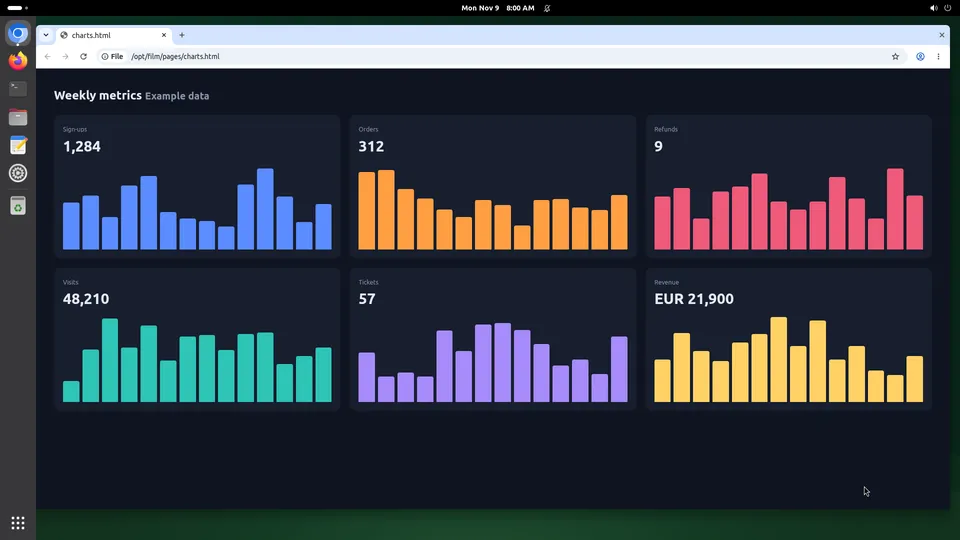
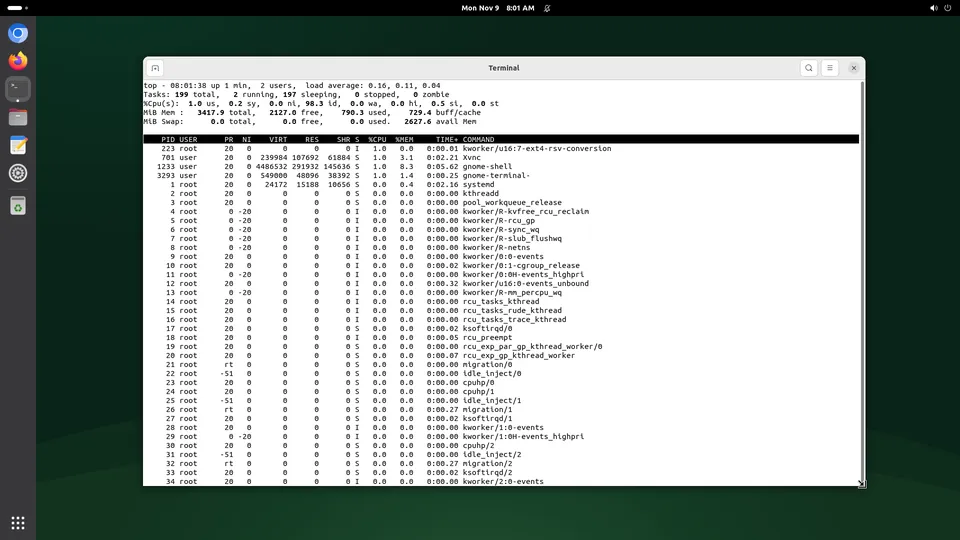
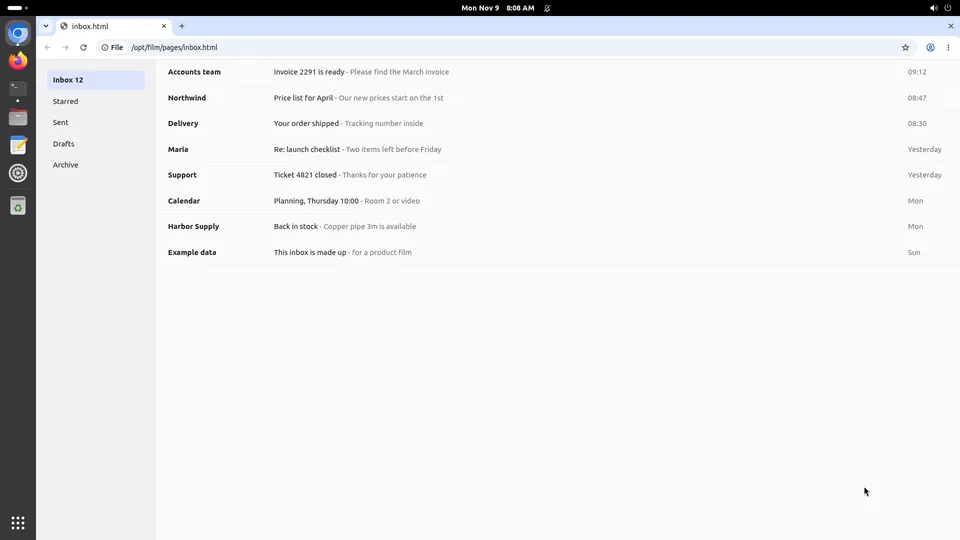
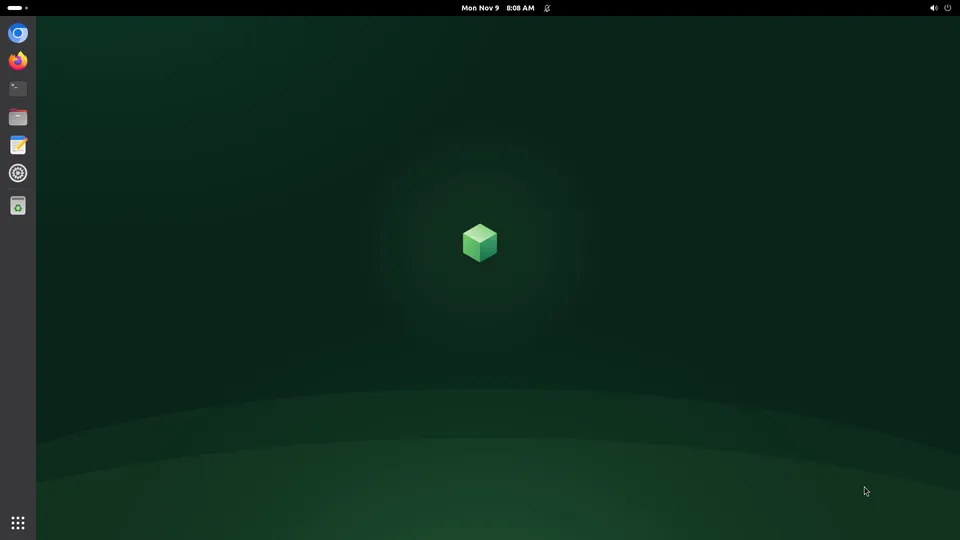
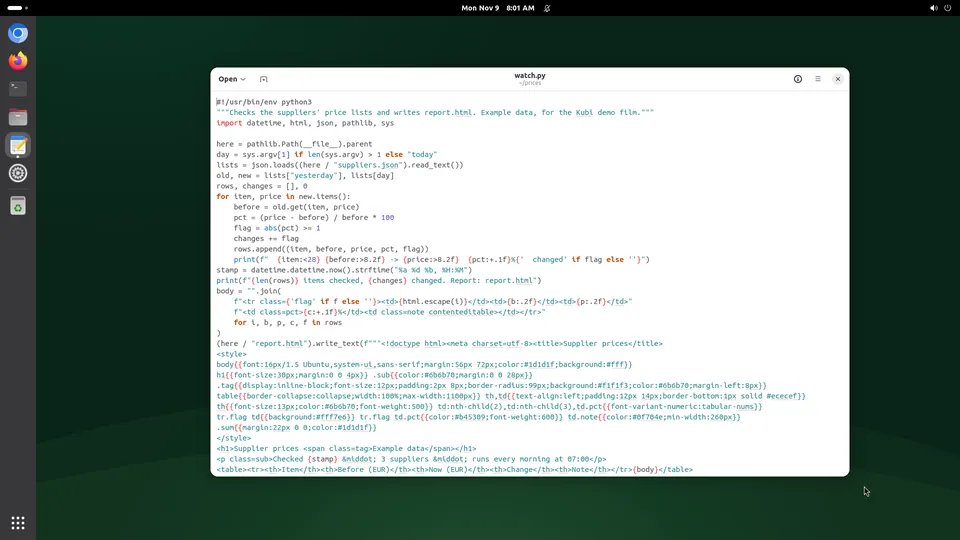
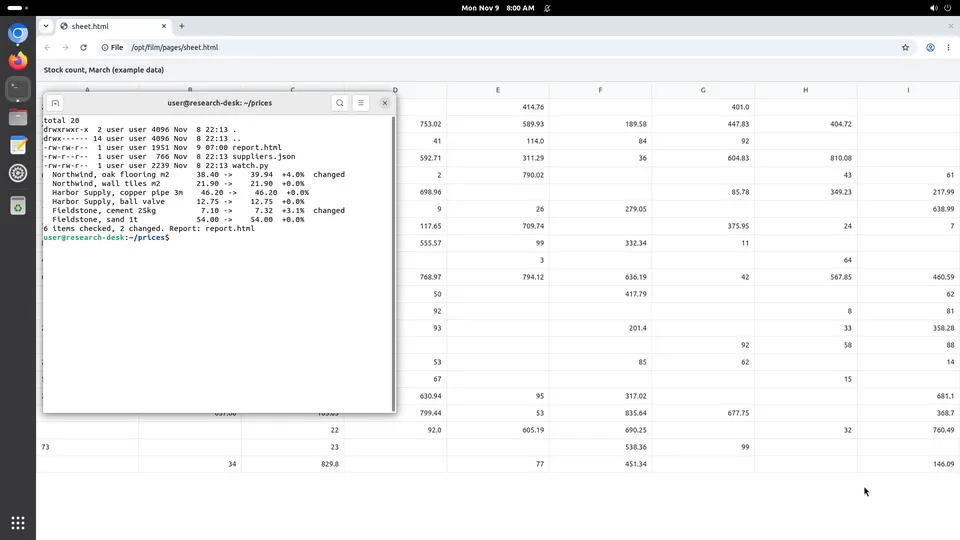
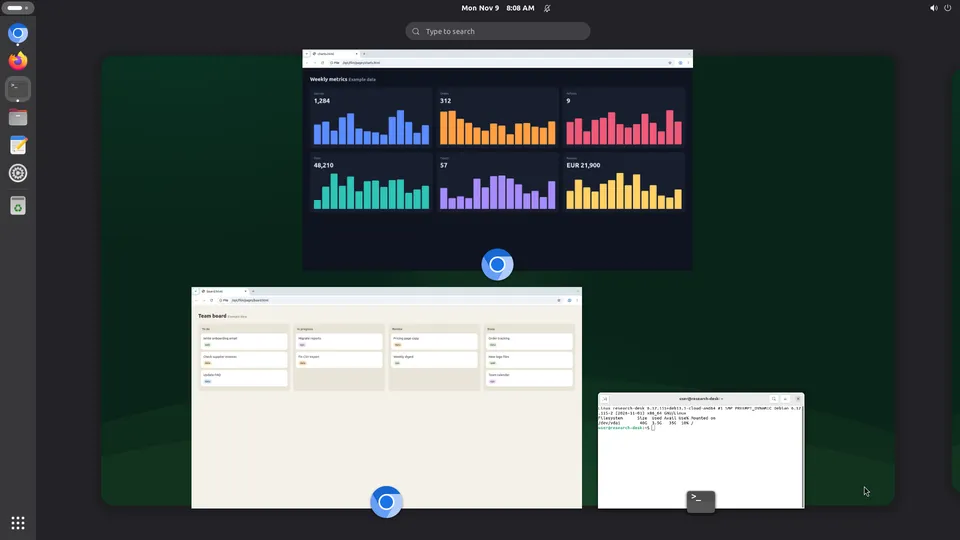
Codex is good at writing and running code and has nowhere to look at the result. Its own sandbox is made fresh and thrown away, so nothing it signed into is there next time. Two commands point it at a Kubi screen instead: a desktop with Chromium and Firefox, a disk that stays, and a person who can watch and take over.
What Codex gains
Codex is OpenAI's coding agent, in the terminal or the cloud. These three are what change when it has a desktop of its own.
A machine that is not wiped between runs
A persistent screen keeps its disk, its packages and its browser profile. Codex spends its first minute working instead of installing what it installed yesterday.
A browser for the half of the web that needs one
Dashboards, consoles and anything behind a sign-in are reachable by clicking, which is often the only way they are reachable at all.
Runs you can name and look back at
Send a run header with the calls and the work groups under one label, which beats reading a flat log of clicks when something went wrong.
Set it up
About two minutes, and nothing to install: our MCP server is hosted.
Step 1
Add the server
codex mcp add kubi --url https://mcp.trykubi.comStep 2
Sign in and pick the screen
The first call opens our sign-in page in your browser. Choose which screens the app may use and what it may do, then go back to the app. You can take it back at any time in the dashboard.
codex mcp login kubiStep 3
Or use a key, for runs with nobody there
For CI and servers, send a key instead of signing in. The key's own screens and permissions apply. Add a run label so the calls group under one name.
Authorization: Bearer kubi_...
Kubi-Run: nightly-checks
The server's address is https://mcp.trykubi.com. Every app's setup is also in the docs, which is where it is kept current.
The first thing to try
Ask it this
On my Kubi screen, open the staging site in Chromium, sign in with the saved profile, and screenshot the billing page so I can see what a new customer sees.
What to know
- Without a run label, one MCP session counts as one run.
- The screen is Linux with a GNOME desktop. Code that needs Windows or a GPU has no home here.
- An act call carries up to 20 actions, and it is refused if anything changed the screen since the screenshot it names. That is on purpose: it is what stops an agent clicking where the button no longer is.
Questions people ask
How is this different from Codex's own sandbox?
Does it work in CI with nobody watching?
What stops a runaway loop costing a fortune?
Read next
The docs carry the detail; these pages carry the price and the choice.