What is MCP for computer use?
MCP, the Model Context Protocol, is a standard way for an agent app to call tools it did not ship with. A computer-use MCP server turns a machine into those tools: look at the screen, act on it, run a command, move a file, so apps like Claude Code, Codex and Cursor can drive a desktop with no code at all.
Why it matters here
Before MCP, giving an agent app a computer meant writing an integration for each app. With it, the setup is an address. Our server is hosted and speaks MCP's Streamable HTTP transport, so there is nothing to install beside your editor and nothing to keep running: paste one URL, sign in, and the tools appear in the conversation.
https://mcp.trykubi.comThe tools a desktop server should expose
Ours, as an example of the shape rather than a reference; the docs are the reference.
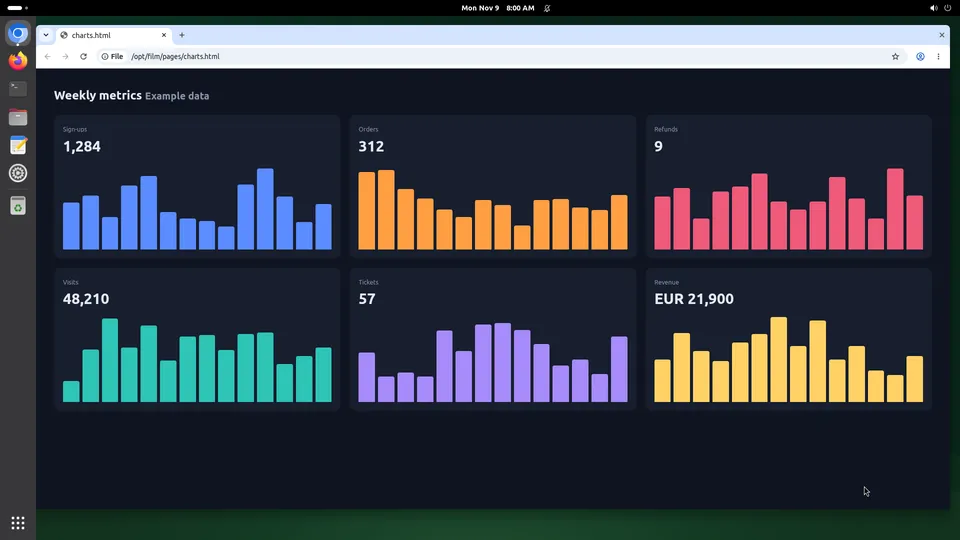
- screenshot: the screen as an image, with an id for the moment it was taken.
- act: up to 20 actions against that id, by point or by element, refused if the screen moved in between.
- read_tree: the elements on screen with ids to act on, which beats aiming at coordinates.
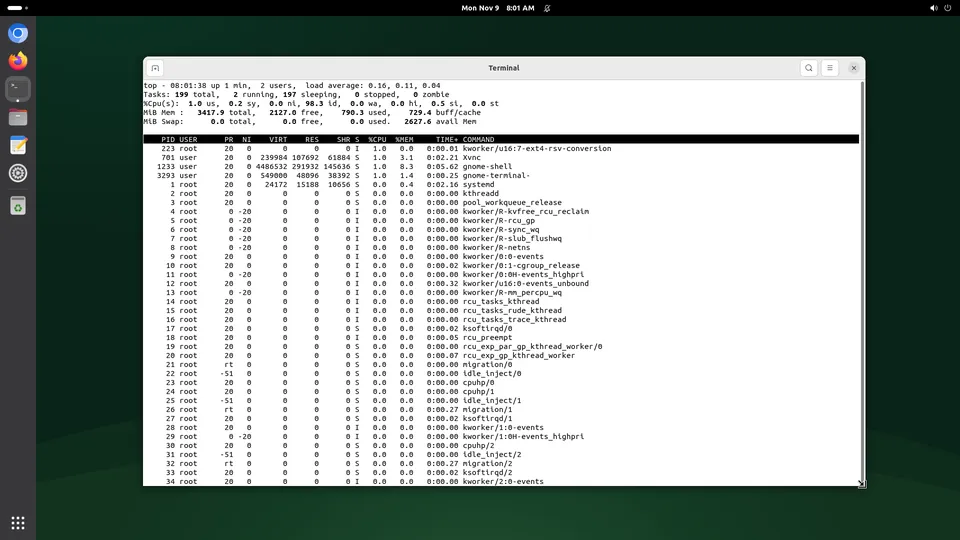
- exec, read_file, write_file: a shell and the disk, so the GUI is used only where the GUI is the point.
- apps, page, run_script, clipboard: launching, reading a browser tab, a scripted loop, the clipboard.
- viewer_link: a view-only live link for a person, which is how an agent asks for help.
The id in screenshot and act is the part that makes the rest safe. An action planned on an old picture is refused with a stale-observation error rather than landing in the wrong place, which is also what makes a person taking the mouse harmless.
What a good server refuses to do
- Create or delete machines. Ours has no tool for it, so an agent cannot spin up anything on your account; that stays with the API and the dashboard, where people and keys live.
- Touch billing, or make keys. Same reason.
- Act while a person holds the screen. Calls get a clear 409 instead, so your typing is never underneath its clicks.
- Hide what it did. Every call belongs in a history with the screen as it was.
Sign-in is the other half: you choose which screens an app may use and what it may do, and you can withdraw it. For runs with nobody watching, an API key with its own narrow permissions replaces the sign-in.
Questions people ask
Which apps can use a computer-use MCP server?
Do I need to run anything locally?
Is MCP better than calling the API?
Where to go next
A definition should not try to be a decision. These pages are the decision.